Find any screenshot. Share it without the secrets. Frayo is a small menu bar app for Mac. It reads the text in every capture, covers API keys and personal details, and keeps everything on your Mac.
Coming soon Read the guide
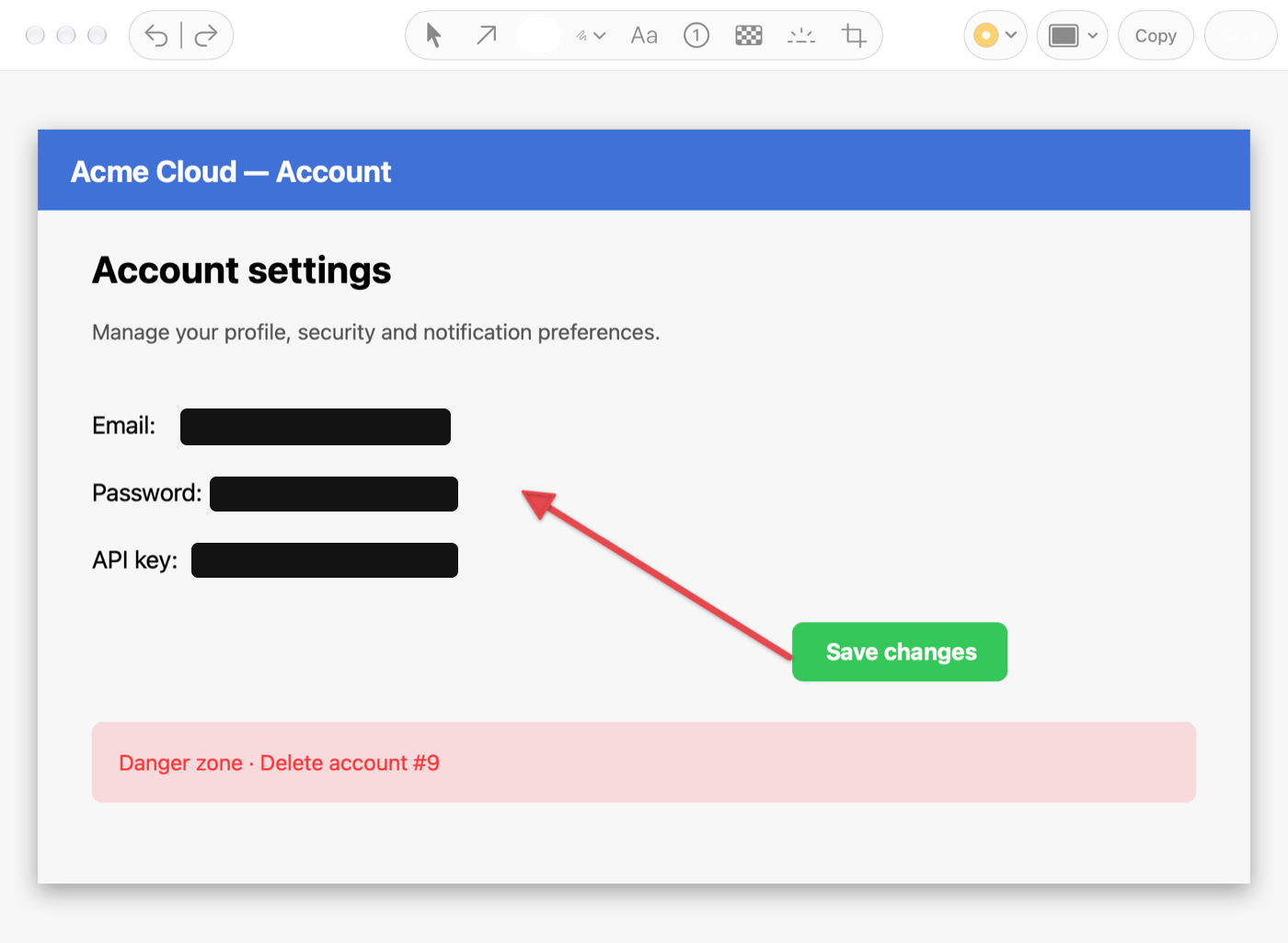
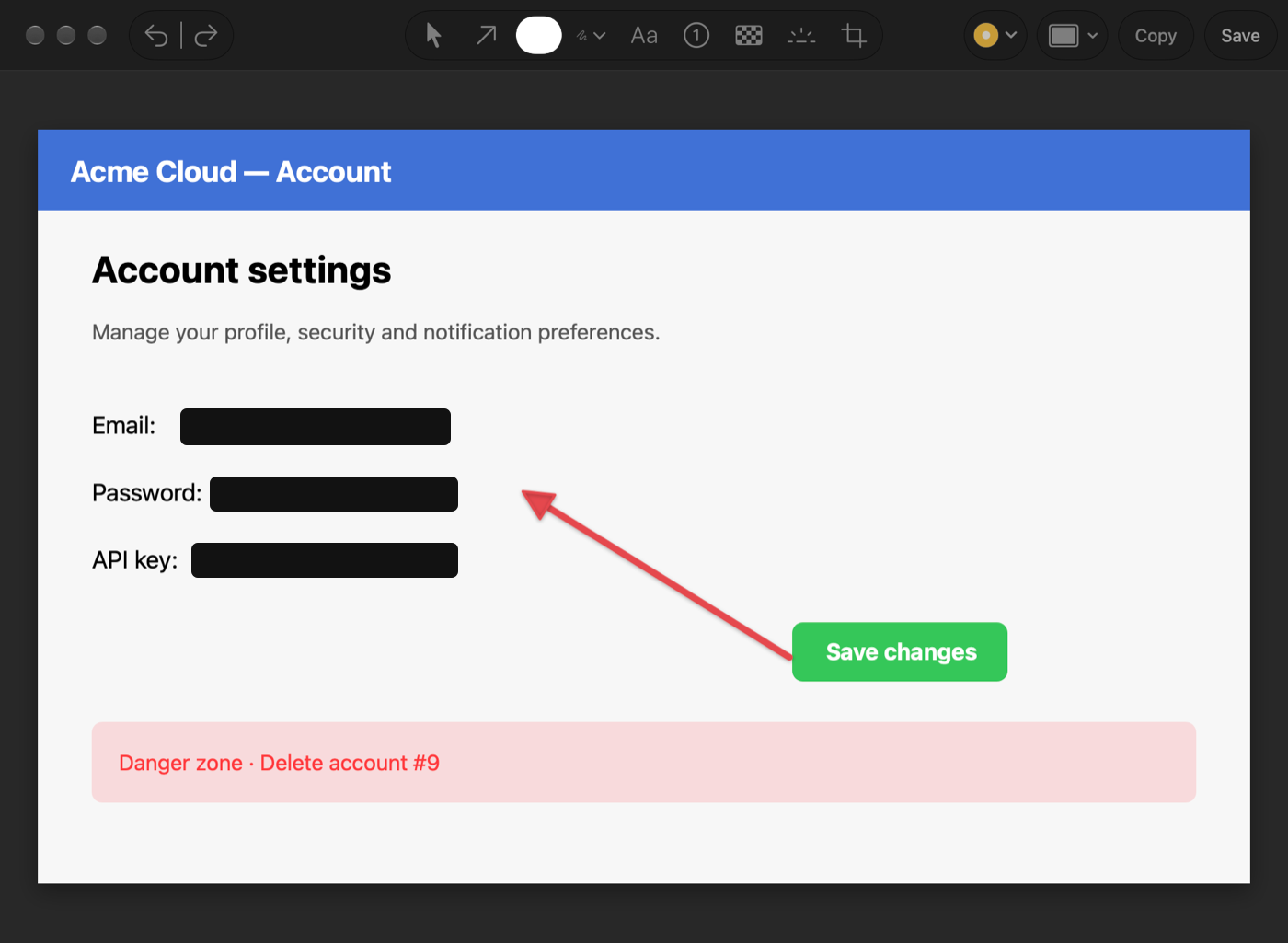
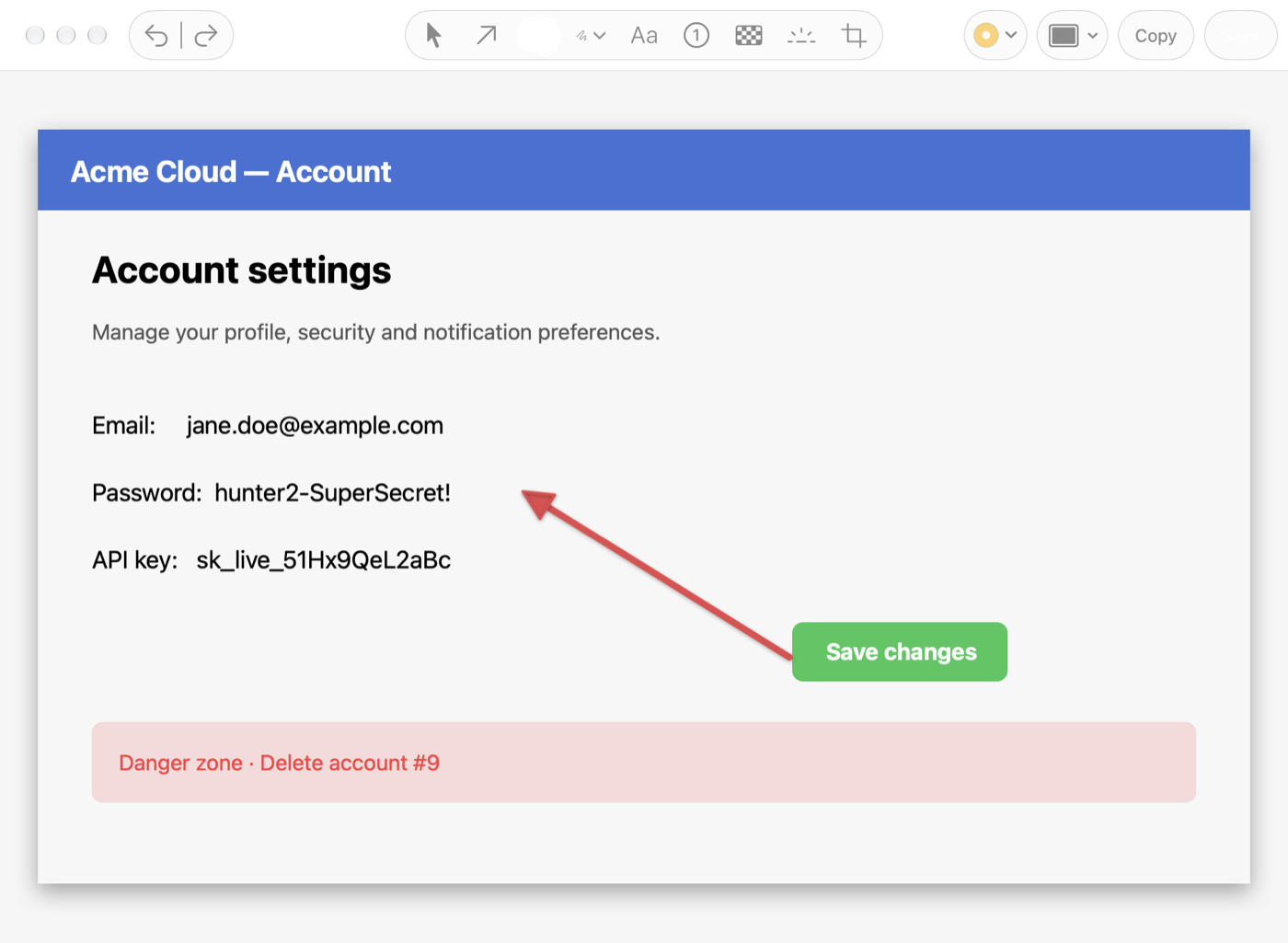
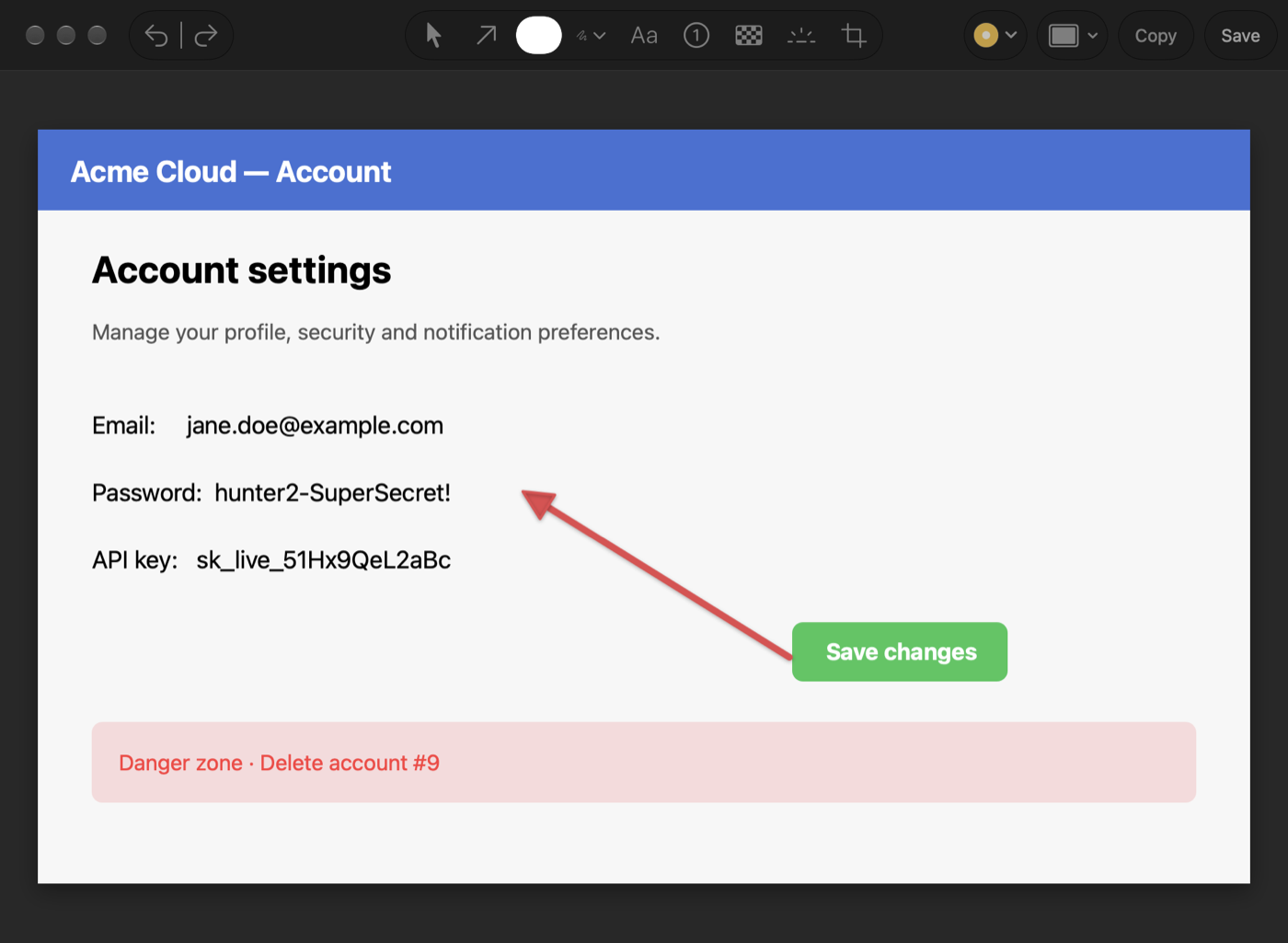
Sample data. Drag to see the same capture with the email, password and key covered.
Runs on your Mac No account No analytics Under 2 MB
Find a screenshot by the words in it
Frayo reads the text in every capture, on your Mac. Search for a line from an error message and the screenshot comes up, weeks later.
How search works in Frayo
Checkout error.png Yesterday dial tcp 127.0.0.1:5432: connection refused Screenshot 2026-10-28 at 16.02.png 3 weeks ago Error: connection refused (ECONNREFUSED) Staging logs.png 9 Oct upstream: connection refused while reading
Sample data
Covered before it leaves your Mac
API keys, tokens, card numbers and emails are found and covered with solid bars, not blur, so nothing can be recovered. It is best effort, so still look before you share.
How covering works in Frayo
3 secrets covered Undo
API key sk_live_••••••••••Password ••••••••••••••Email address ••••••••@••••••.com
Sample data
Projects are just folders
Turn on a project and every capture lands in its folder, already named and dated. Open the folder in Finder and everything is there.
How projects work in Frayo
2026-11-12 10.41 Cart error.png 2026-11-12 10.44 Network tab.png 2026-11-12 11.02 Fix in the PR.gif 2026-11-10 09.15 Settings.png
Sample data
Copy code without retyping it
Copy text from a terminal or an editor and keep the indentation. Or turn a snippet into a clean image to share.
How code copy works in Frayo
def retry(fn, tries=3):
    for i in range(tries):
        try:
            return fn()
        except TimeoutError:
            if i == tries - 1:
                raise
Sample data
Also in Frayo: scrolling capture , screen recording and GIF , an annotation editor , QR scanning , a command line for scripts and agents and Raycast .
Your captures stay on your Mac.
Read on the device. The text in screenshots is never sent anywhere.No account. There is nothing to sign in to.No analytics. None in the app, none on this site.
Read the privacy policy
Coming soon to the Mac App Store
Frayo is in private testing. Want to try the beta? Email support@frayo.app .